How QuickBooks Online Empowers Small Business Owners to Get Paid Faster: No Office Trip Needed!
I know you’re tired of rushing back to the office just to send an invoice. You’ve probably been there: finishing up a job, knowing the client is ready to pay, but you can’t get them their paperwork until you’re back at your desk. Meanwhile, that payment sits in limbo for another day, maybe two, while you handle the “office stuff.”
What if I told you those days are over?
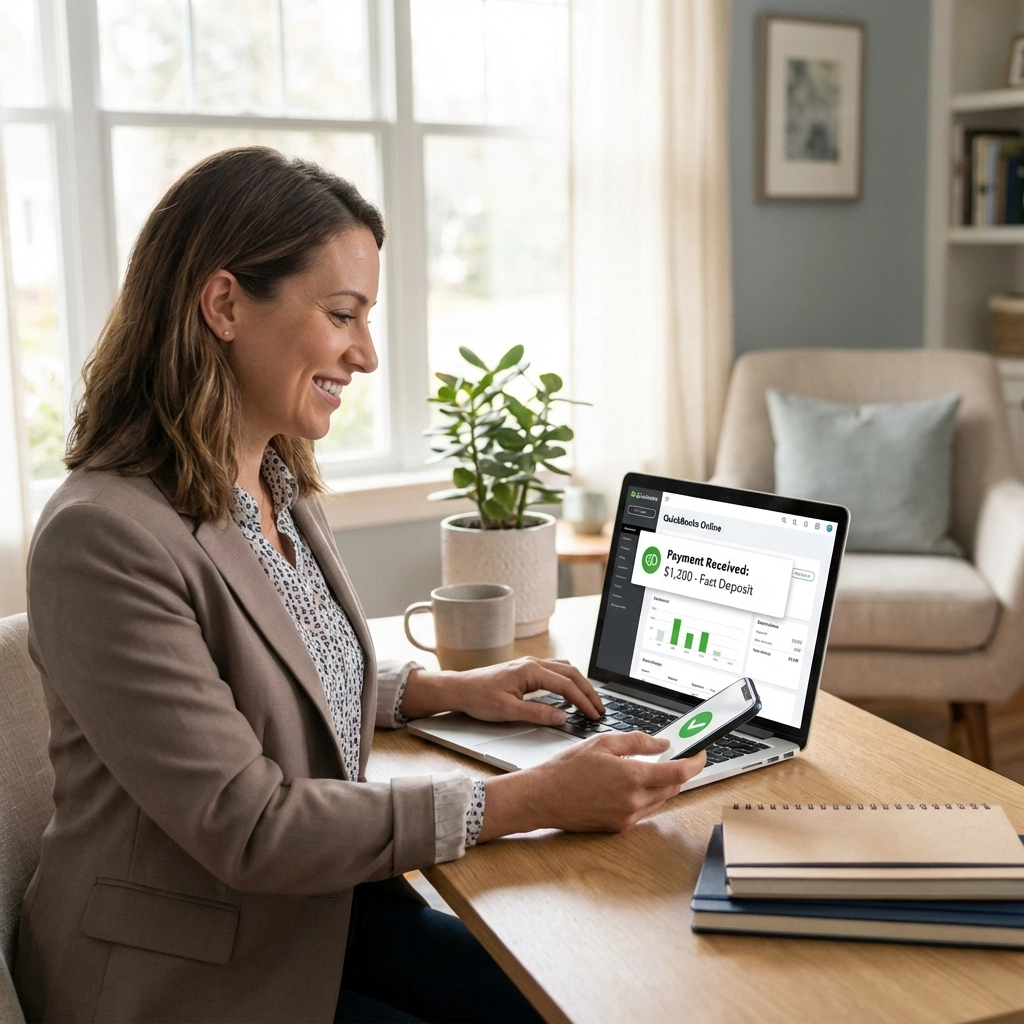
QuickBooks Online has completely changed the game for small business owners who work in the field. Whether you’re a contractor, consultant, service provider, or any business owner who spends time away from the office, you can now handle your accounting tasks from wherever you are: using nothing more than your smartphone, tablet, or laptop.
The Freedom to Work From Anywhere
Gone are the days when accounting software chained you to your office computer. QuickBooks Online runs entirely in the cloud, which means you can access your books from any device with an internet connection.
I’ve seen this transform how my clients work. Instead of collecting receipts and notes throughout the day only to spend hours at night entering everything, they’re handling it in real-time. The relief on their faces when they realize they don’t have to choose between being in the field and staying on top of their books: that’s why I love what I do.
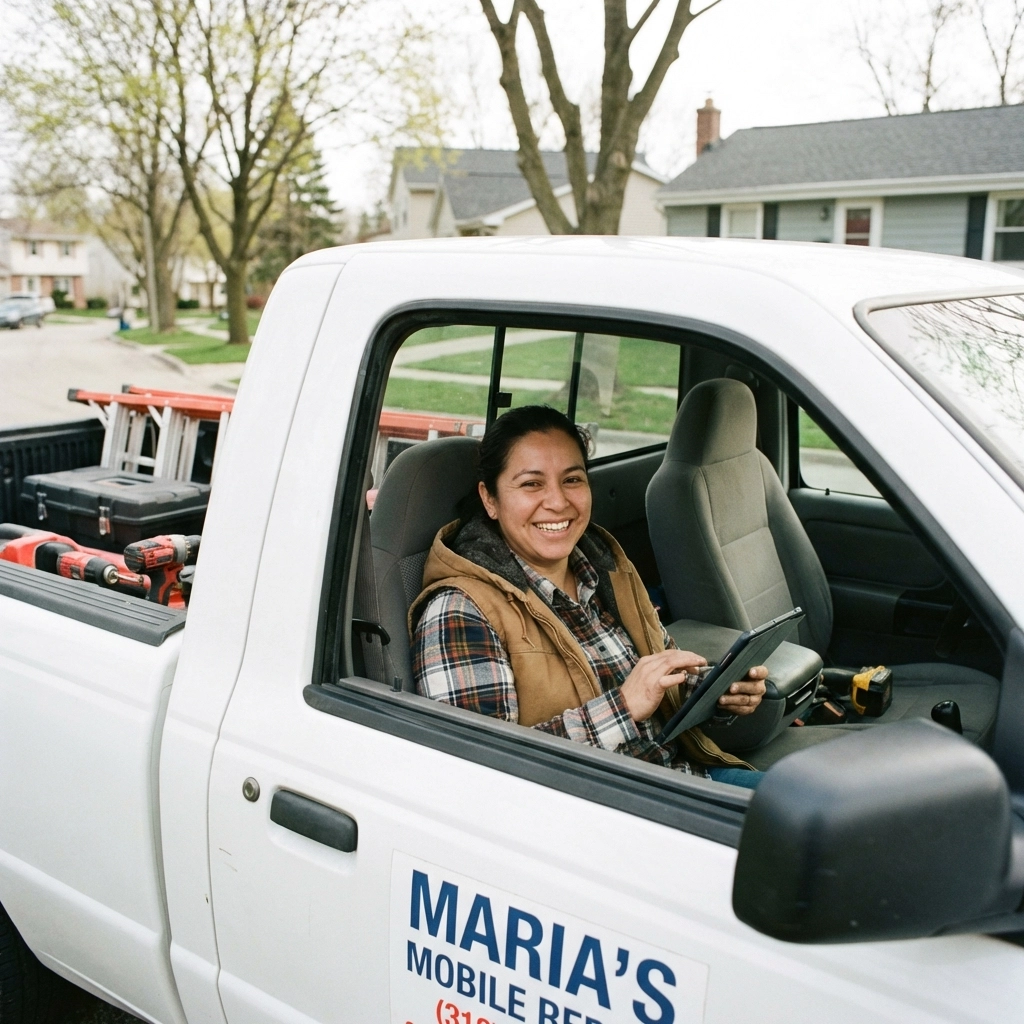
Here’s what you can do from your phone or tablet while you’re out and about:
- Create and send professional invoices on the spot
- Generate quotes while you’re still talking to the prospect
- Accept payments immediately using card readers or digital payment links
- Check customer payment histories and account balances
- Record expenses as they happen
- Track time for billing purposes
- Monitor your cash flow in real-time
Real-World Scenarios That Will Sound Familiar
Let me paint you a picture. You’re a plumber who just fixed a major leak at a client’s business. They’re thrilled with your work and ready to pay. Instead of saying, “I’ll send you the invoice tomorrow,” you pull out your phone, create the invoice right there, and email it to them immediately.
They can pay through the invoice link using their credit card, PayPal, or even Venmo. By the time you’re loading your tools back in the truck, you’ve got confirmation that payment is processing. No more waiting, no more follow-up calls, no more wondering when you’ll get paid.
Or maybe you’re a consultant meeting with a potential client at their office. They love your proposal and want to move forward. Right there in the conference room, you can create a professional quote, customize it to their specific needs, and send it before you even leave the building. Strike while the iron is hot, as they say.

I have a client who runs a landscaping business. He used to spend Sunday nights catching up on paperwork: entering receipts, creating invoices, trying to remember which job was which. Now? He snaps photos of receipts as he gets them, creates invoices while his crew is cleaning up the job site, and tracks his time using the mobile app. His Sundays are his again.
Getting Paid Up to 4 Times Faster
Here’s where QuickBooks Online really shines for cash flow. When you can create and send invoices immediately, your clients can pay immediately. No more “I’ll get that invoice to you next week” delays.
But it gets better. QuickBooks Online integrates with QuickBooks Payments, which means your clients have multiple ways to pay you:
- Credit and debit cards
- ACH bank transfers (great for larger amounts with lower fees)
- Digital wallets like Apple Pay
- PayPal and Venmo
- Even good old-fashioned checks (though why would they want to?)
The research shows that businesses using these integrated payment solutions get paid up to 4 times faster than those relying on traditional invoicing and payment methods. Think about what that means for your cash flow: and your stress levels.
The Magic of Automatic Everything
One of my favorite features is how everything connects automatically. When a client pays through an invoice, QuickBooks Online doesn’t just record the payment: it matches it to your bank deposit, marks the invoice as paid, updates your accounts receivable, and adjusts your cash flow reports. All without you lifting a finger.
You know that tedious task of matching payments to invoices every month? QuickBooks Online reduces that manual matching by 60%. I’ve seen clients go from spending hours every month on this task to spending minutes.

And if you have regular clients who pay the same amount monthly? Set up recurring invoices and automatic payments. They get billed automatically, they pay automatically, and you get paid automatically. It’s like having a steady paycheck, even when you’re self-employed.
Why This Matters More Than You Think
I know what you’re thinking: “This sounds great, but is it really that big a deal?” Let me share why I believe it absolutely is.
Cash flow is the lifeblood of small businesses. I’ve seen too many profitable businesses struggle or even fail because they couldn’t collect payments fast enough to cover their expenses. Every day you delay sending an invoice is potentially another day (or week) before you get paid.
But beyond the money, there’s something else: your credibility. When you can create professional quotes and invoices on the spot, you look organized and responsive. When you can accept payments immediately, you make it easy for clients to pay you. Easy payments mean faster payments.
I had a client tell me, “Before QuickBooks Online, I looked like a guy with a truck and some tools. Now I look like a real business.” That confidence shows, and clients respond to it.
No More Excuses, No More Delays
We’ve all been there: you finish a job, but you don’t have your invoice template with you. Or you meet a great prospect, but you can’t give them a quote because all your pricing is back at the office. These little delays add up to big impacts on your cash flow.
With QuickBooks Online, those excuses disappear. Everything you need is always with you, as long as you have your phone. Your customer list, your service catalog, your pricing, your templates: it’s all there.

Plus, let’s talk about security for a moment. I know you’re concerned about having your financial information floating around in “the cloud.” QuickBooks Online uses bank-level security encryption, and your data is backed up automatically. Compare that to carrying paper invoices that could get lost or stolen, or having your laptop crash with all your data on it.
Making It Work for Your Business
Every business is different, and I work with clients to set up QuickBooks Online in a way that makes sense for their specific situation. Some clients need simple invoicing on the go. Others need full inventory tracking, project management, and multi-location reporting.
The beauty of QuickBooks Online is its flexibility. Start simple and add features as you grow. Need to track inventory? Add that. Want to manage multiple locations? No problem. Need to give employees limited access to create quotes? Easy.
I help my clients customize their setup so they’re not paying for features they don’t need, but they have room to grow when they’re ready.
Your Next Step to Financial Freedom
If you’re tired of being tied to your office for basic accounting tasks, if you want to get paid faster and improve your cash flow, if you’re ready to look more professional and responsive to your clients: QuickBooks Online might be exactly what you need.
But here’s the thing: software is only as good as how it’s set up and used. I’ve seen businesses buy QuickBooks Online and then barely scratch the surface of what it can do for them. That’s where working with someone like me makes all the difference.
I help small business owners like you set up QuickBooks Online properly from the start, customize it for your specific business needs, and train you to use it effectively. We can integrate it with your existing processes, set up templates that match your branding, and make sure you’re taking advantage of all the features that will save you time and get you paid faster.

Whether you need help setting up QuickBooks Online from scratch, migrating from your current system, or just want to make sure you’re using it to its full potential, I’m here to help. We can work together on a project basis, or I can provide ongoing support: whatever fits your needs and budget.
Ready to take your business mobile and get paid faster? Let’s start with a conversation about your specific situation and how QuickBooks Online can help you spend less time on accounting and more time growing your business.
Visit us at akorservices.com/thebooks or call me at (360) 334-3373. I’d love to show you exactly how QuickBooks Online can transform the way you handle your accounting: no office required.
Your cash flow will thank you, and so will your family when you’re not spending every evening catching up on paperwork. Let’s make it happen.