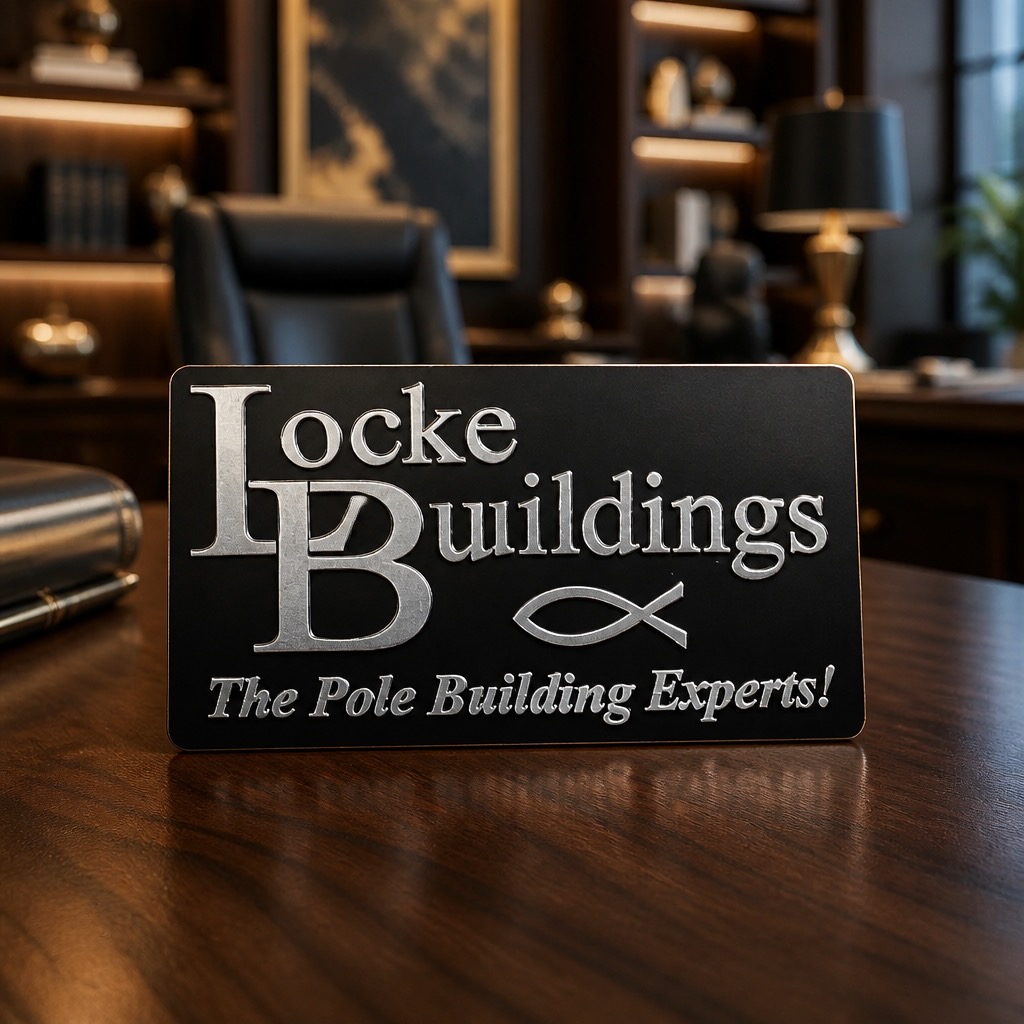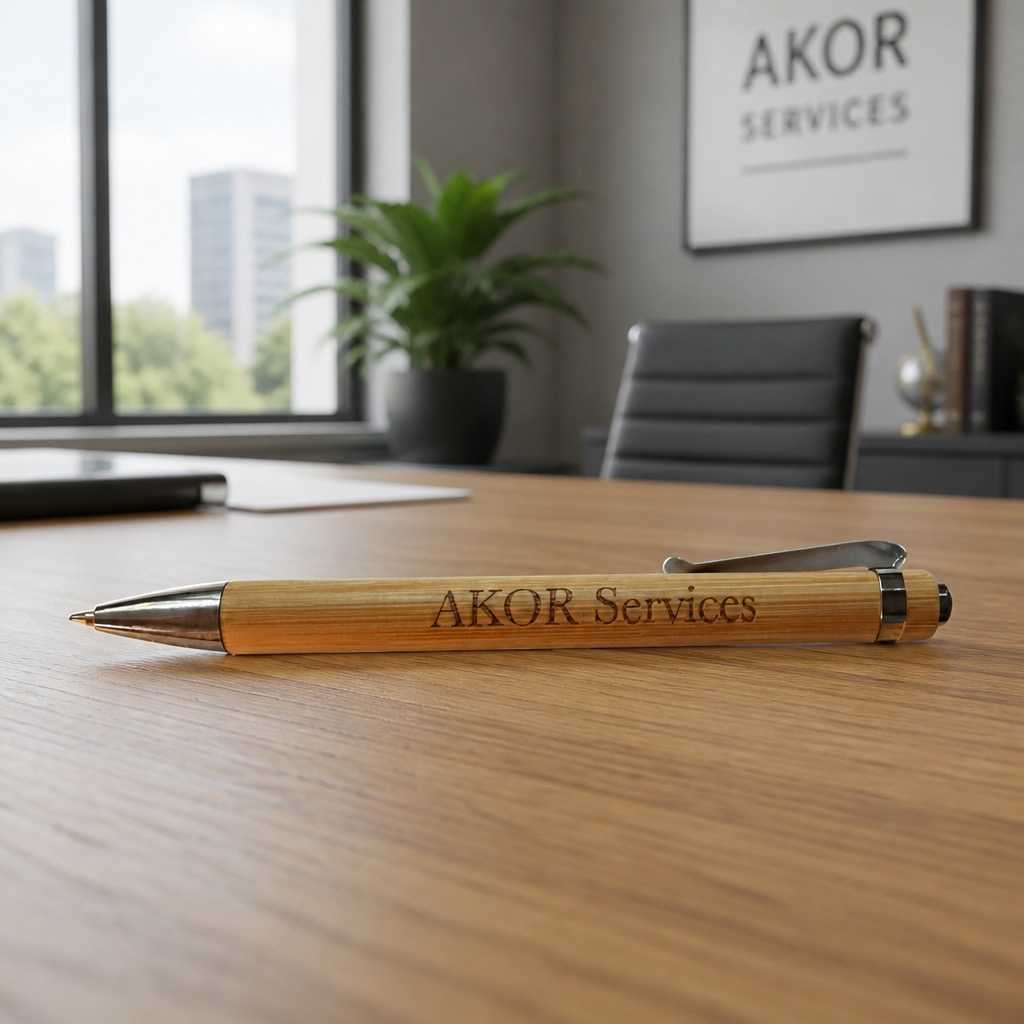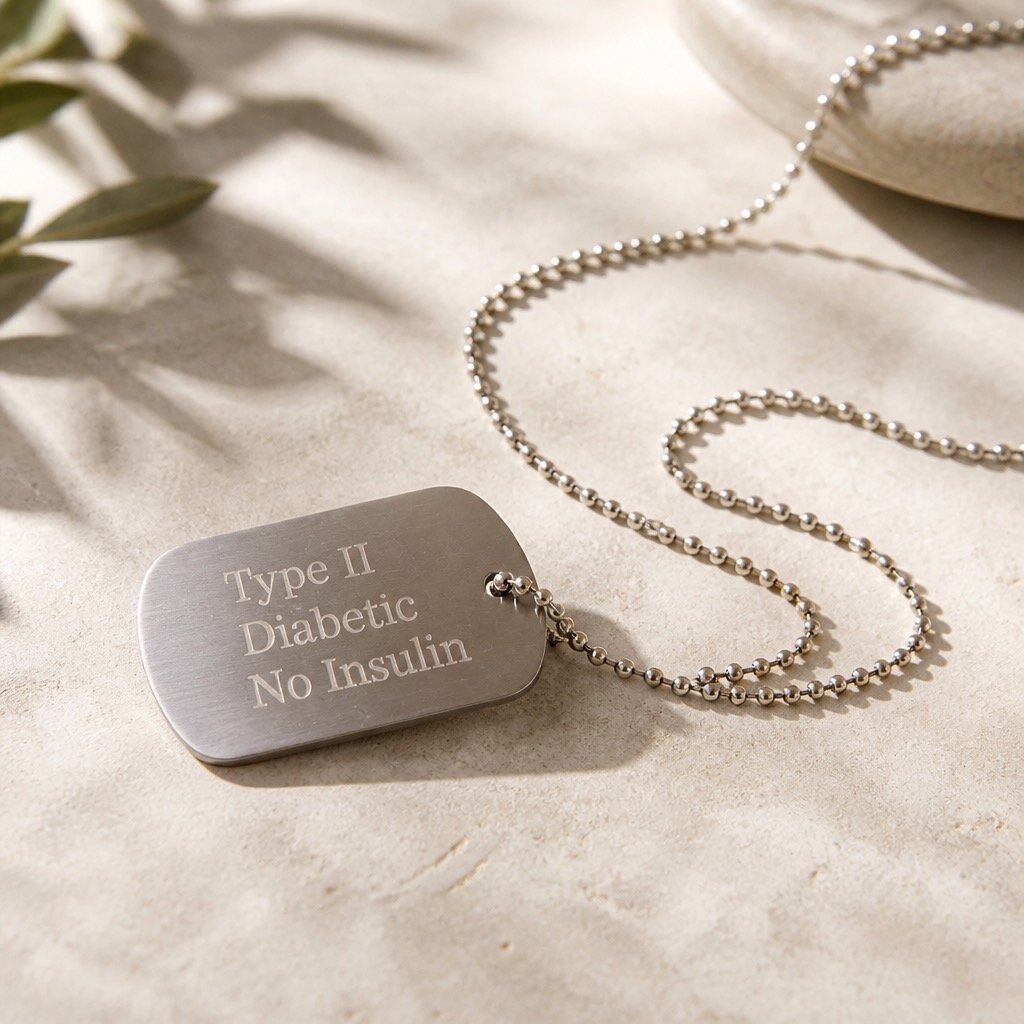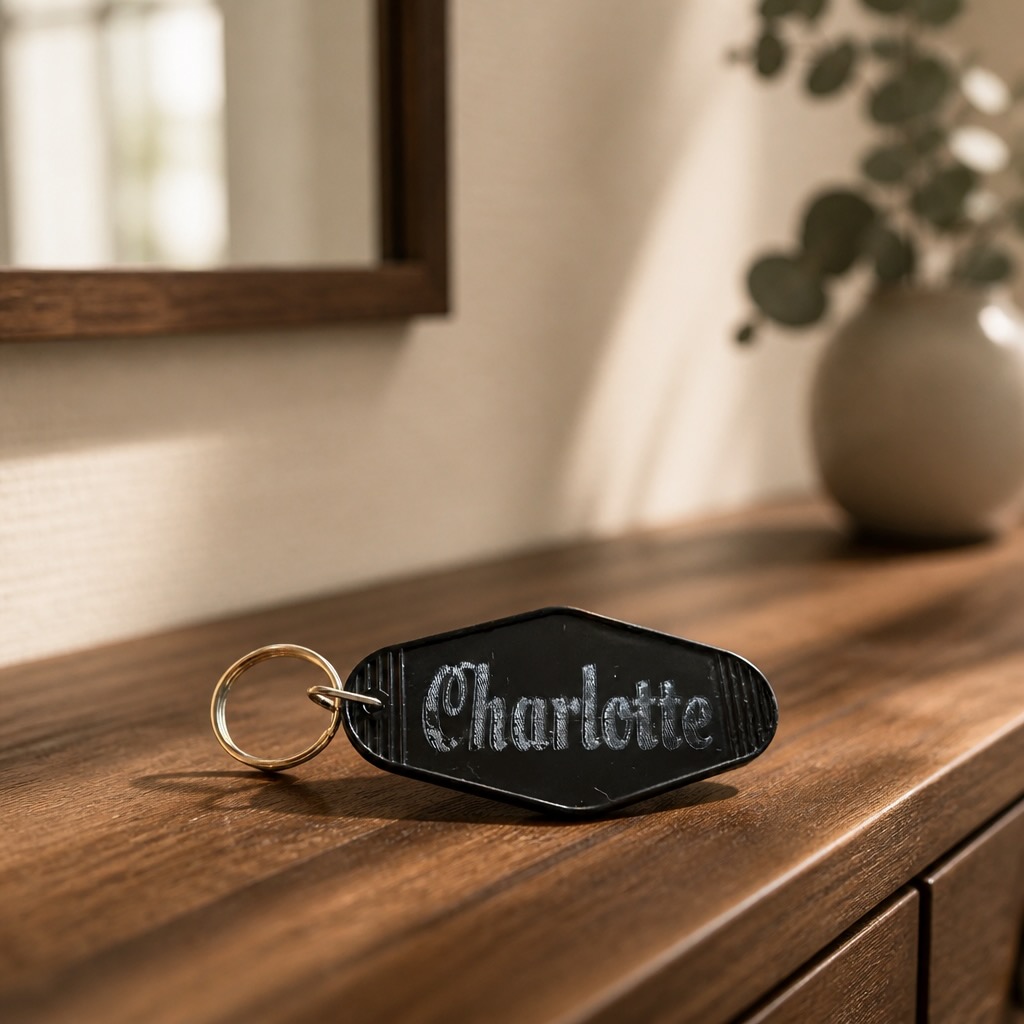
Lets talk about logo (or graphics) design for a minute when it comes to laser engraving and the materials/colors you choose.
In print (or on your monitor) color is a really good thing. In laser engraving, it becomes more challenging. There are lasers hitting the market right now that can “simulate” colors. There are processes where colors can be added to the engraving to produce real color. These are time intensive (which translates) to higher costs. If you want real color on signage, it’s still best to print it on there. (But you don’t have to worry about that. I am the print broker that handles all those details for you).
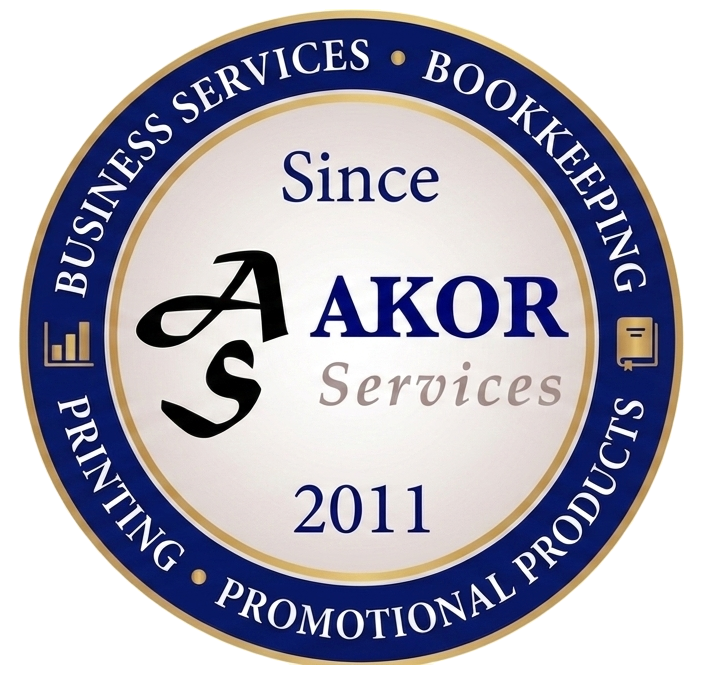
In everything I am about to show you, the exact same graphic (my logo) was used. So let me start by showing you exactly what my logo looks like:
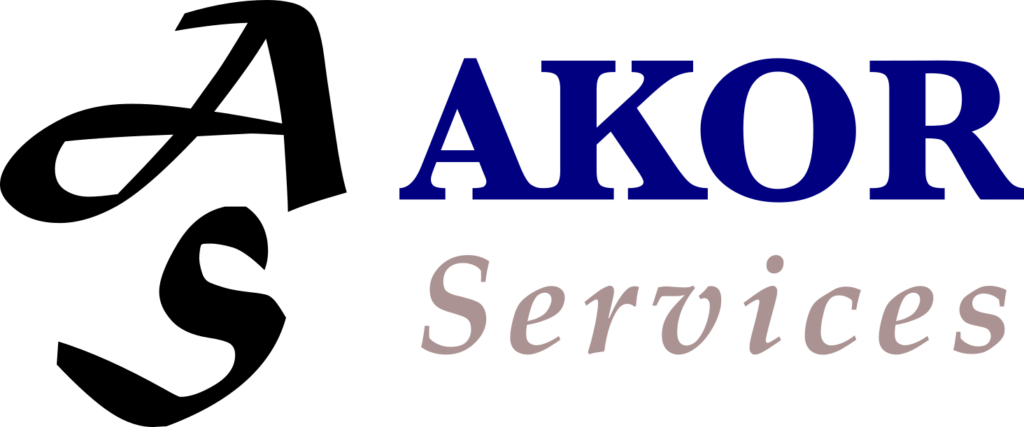
You see that my logo is actually a 3 color logo. Black, a dark navy blue color and a beige-ish color. Now you see the standard “base-line”.
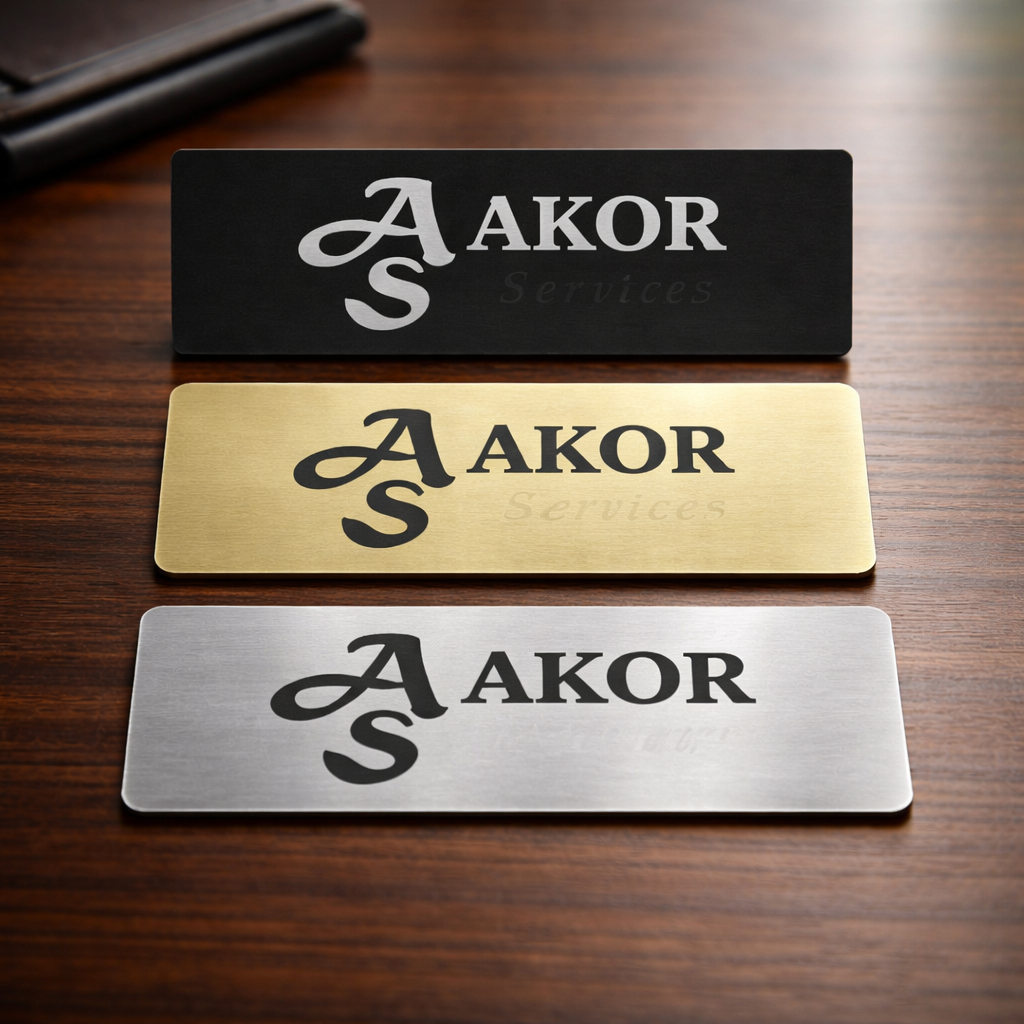
Generally speaking (without going into all the details), laser engraving is a process that works best with black and white, although gray-scale can be simulated and accommodated. Using the exact same logo (above), I engraved just the logo. You will notice:
- How the different colors of my logo were “interpreted” by my laser software and how the laser itself produced those colors (or not).
- The laser (itself) used to engrave these signs plays a big role in the reproduction, due to light spectrums, processes used, and a variety of other laser settings, and how the graphic itself was processed for laser engraving).
- Finally, the materials and colors used will interact with the laser differently. In this case, I was using a diode laser, with a blue laser light, and you will see, how it differs with each material used.
Let me begin by saying that all three materials are all aluminum materials, .02 thickness. These make great signs for desks, doors, shelves, name tags and a host of other things. They are inexpensive, come in a wide range of color options and are quick to produce. One note: I chose not to “process” my logo and used it “as-is”. I could have “gray-scaled” the image and gotten better results. The point of this exercise was to demonstrate the 3 points that I listed above and to show how different materials deal with laser and color choices. Also note that I didn’t change any engraving settings on my software or laser. They were all 3 engraved identically.
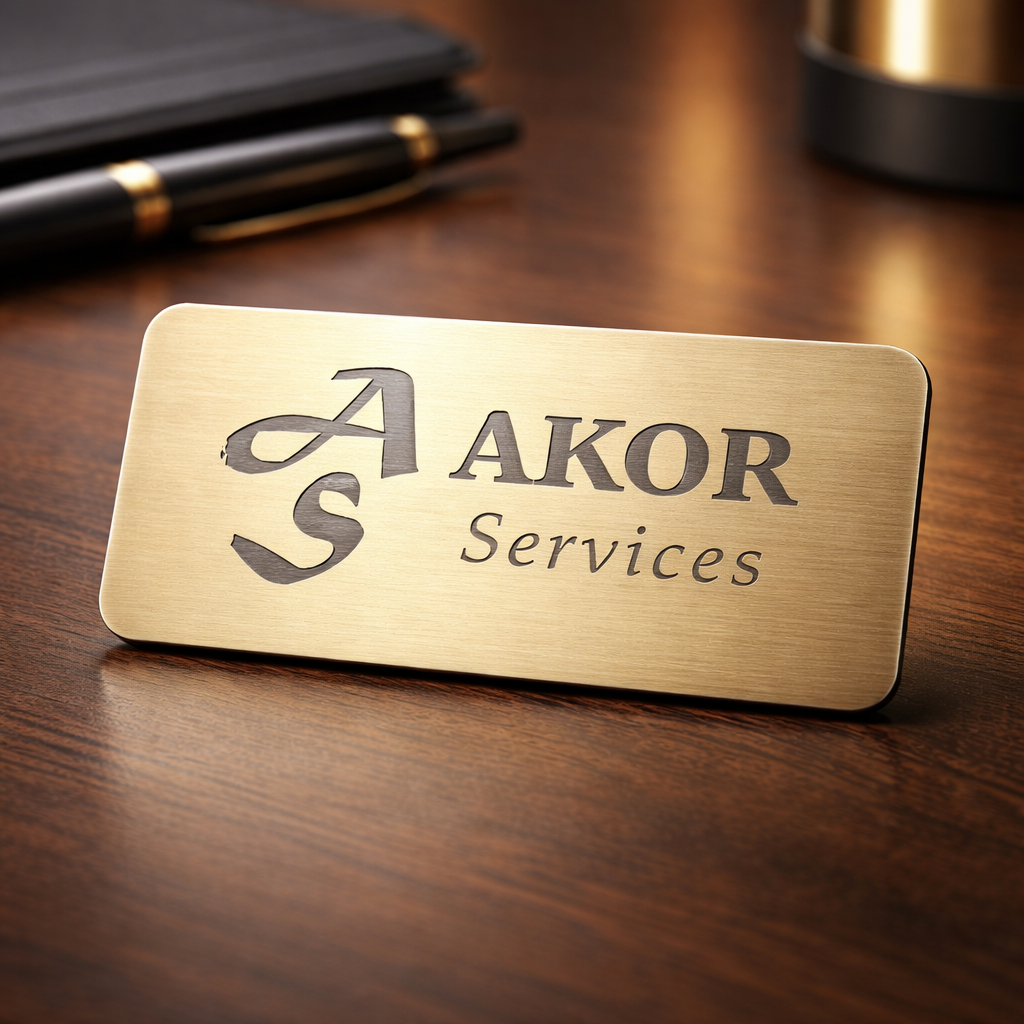
(Please pardon the “tape mark” which clipped off a bit of the “A”.)
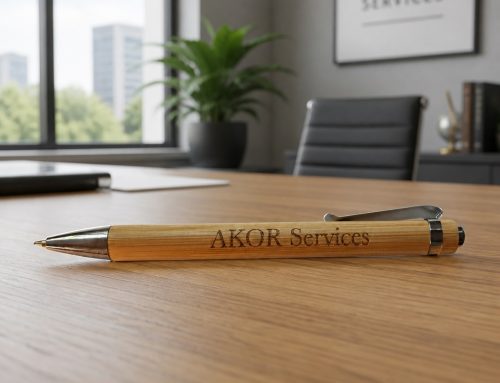
This gold color choice came out best. Without “gray-scaling” the image, the material and diode laser did a great job.
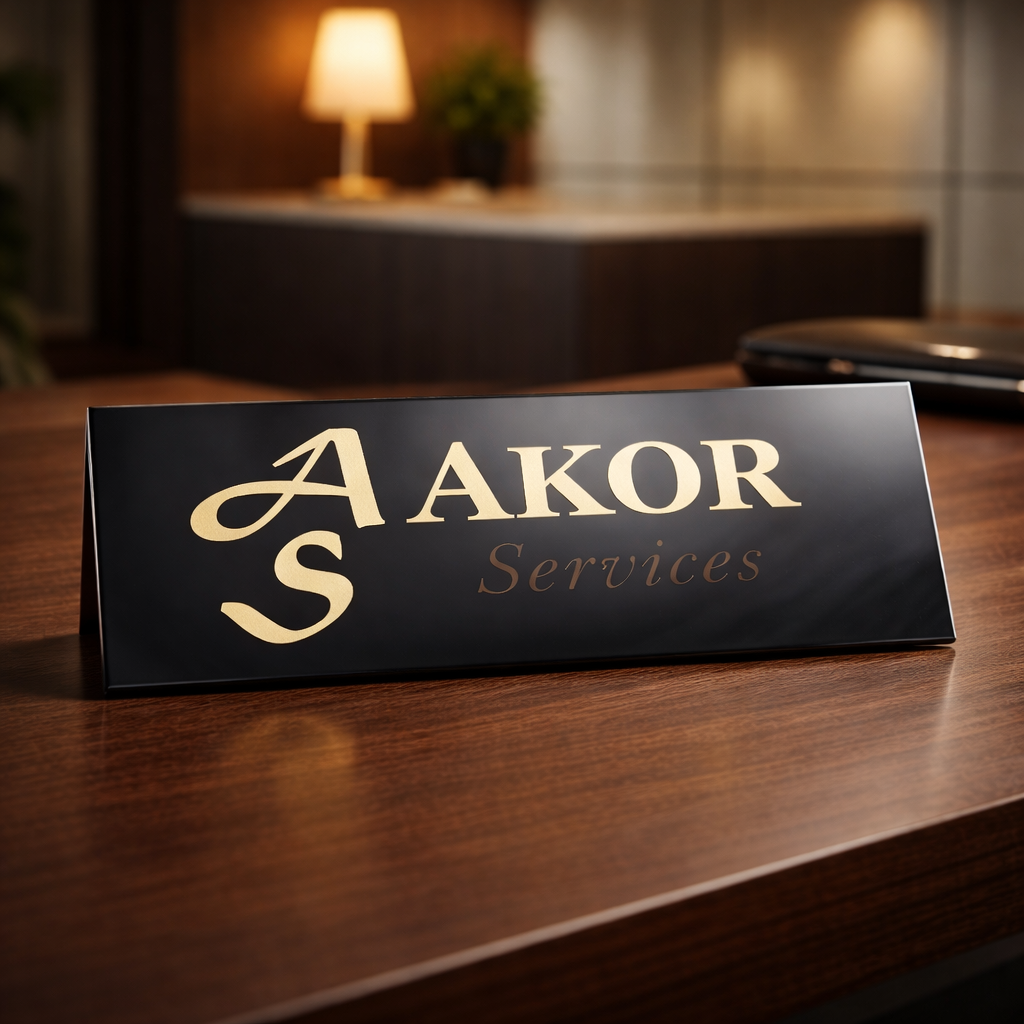
While I think the black material produces the most stunning representation, the word “services” actually doesn’t show up nearly as well on the black background as is suggested by the photo. (Full disclosure: The AI, which added the background, actually color-enhanced the work “Services”). Here is a graphic design tip for you. When you want visually appealing and very readable signs, go with high contrast colors. Remember that there are sight-impaired and colorblind people out there, and not everyone has perfect vision like you do. While low-contrast signs may look cool, they may not be very readable to a lot of people.
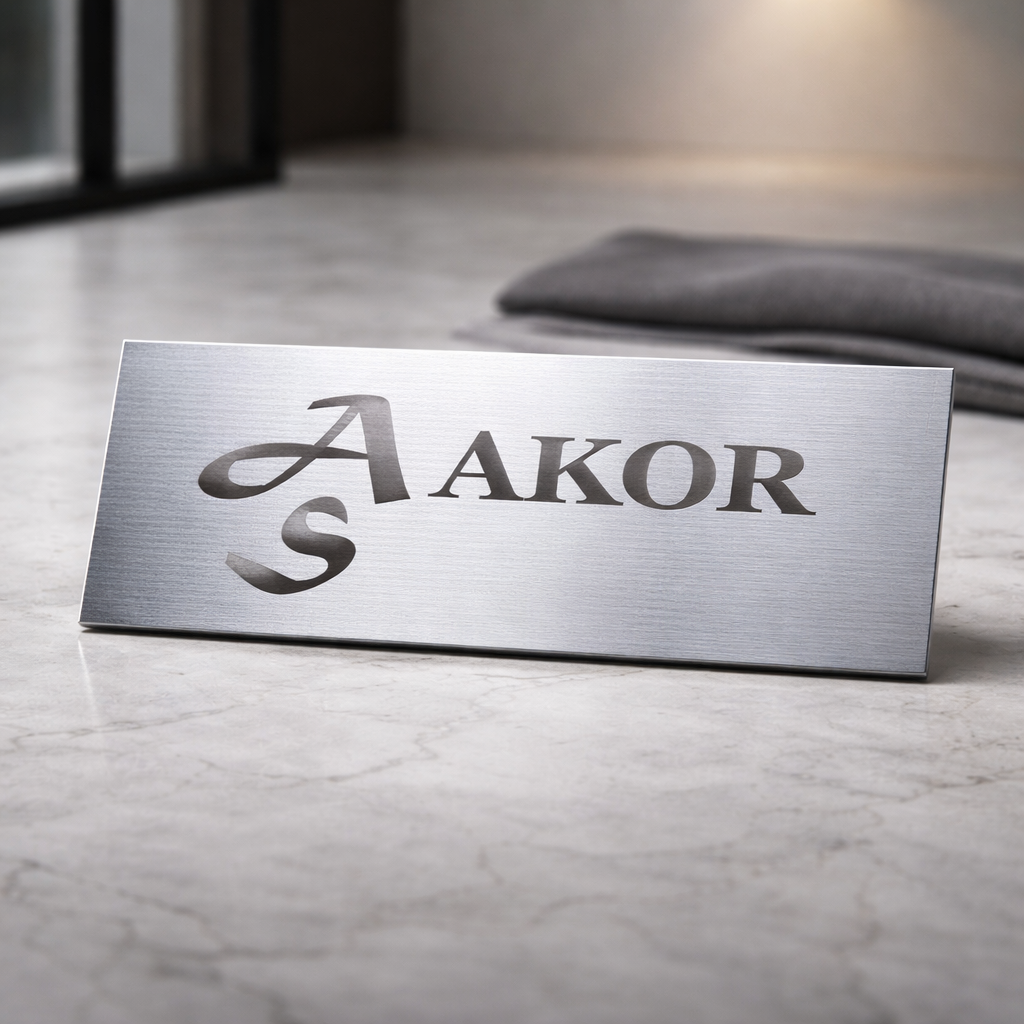
While the silver background looks great, notice that “Services” did not even engrave due to the material color choice, the font color, the diode laser, and the software interpretation.
So, how could all of this been easily fixed? Very simple. There are a couple of ways.
- I could have “gray-scaled” the (some call it bitmapping) the logo image prior to using it. It would have worked, but the engrave time would have gone up exponentially and the engrave quality would not have been quite as sharp. (I go for sharpness and detail).
- I could have converted by logo into a completely black and white image and everything would have come out very crisp and sharp, on all 3 of the colored materials.
- I could have chosen a different type of laser to engrave the job. A CO2, UV or fiber laser could have handled it successfully, depending on the materials used.
In summary, your logo (or photo) matters greatly. Your selected material matters greatly. The laser that will be engraving your sign matters greatly.
The really good news? You don’t have to worry about all of that. When you work with me, it’s all taken care of by me. The most you have to do might be to come up with a high-quality graphic/photo and an idea of what you want to have done. I take care of everything else for you.
Call me.
Allen Beck
AKOR Services
(360) 334-3373